Setup guide · 6 min read
How to set up an LED matrix display in your car window
A programmable LED matrix display turns your rear window into a custom screen for text, animations and emojis. Here's how to mount, power and program one in under 10 minutes — no wiring, no tools.

What you'll need
- A PixelBoard LED matrix (Medium or Large fits most rear windows)
- A 5V USB-C cable (included) and a car USB outlet or 12V → USB adapter
- A microfibre cloth and isopropyl alcohol for clean suction adhesion
- The free PixelBoard app on iOS 14+ or Android 10+
Step 1 — Pick the right size
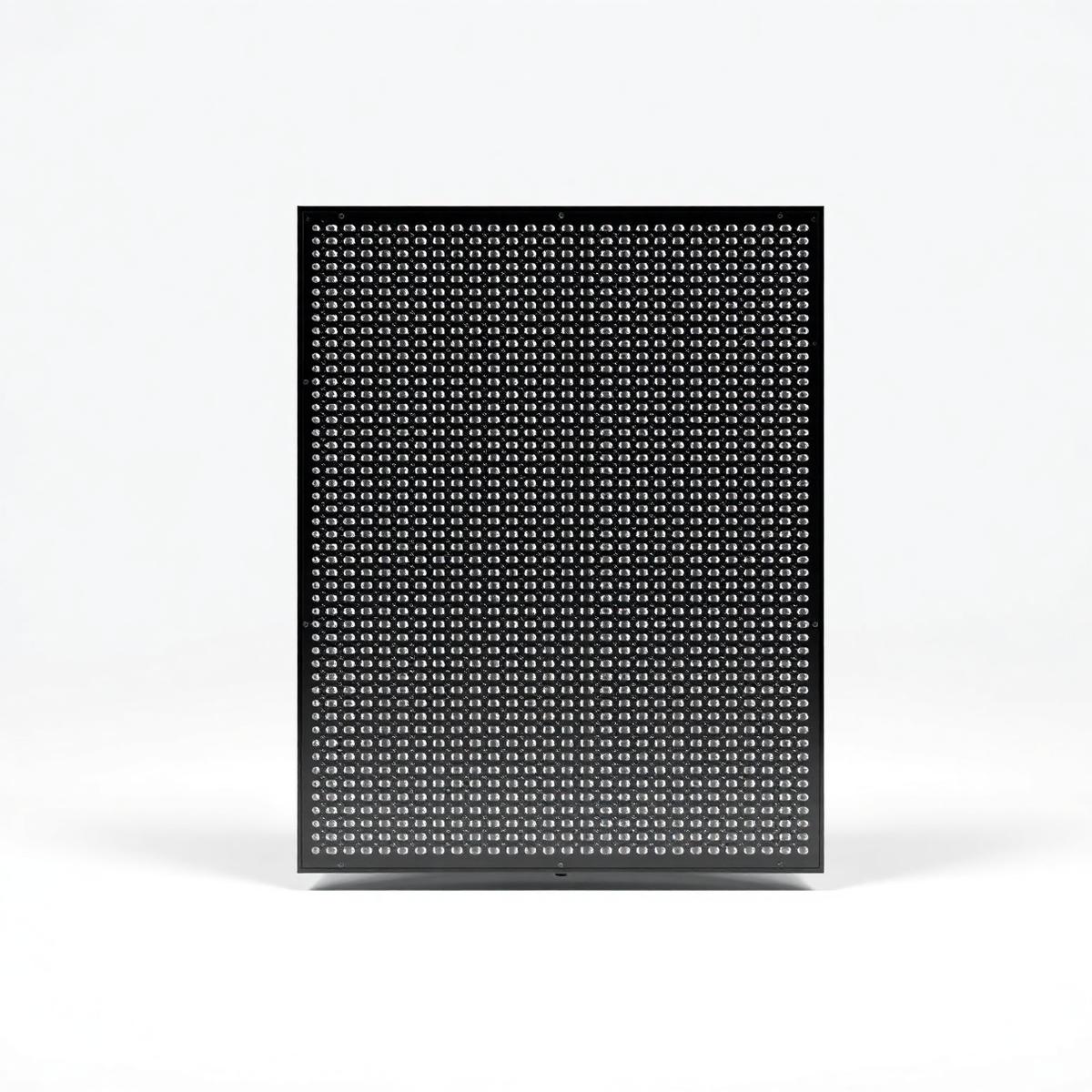
Measure the inside of your rear window. The Medium PixelBoard (32×16 pixels) suits sedans and hatchbacks; the Large (64×16) is better for SUVs and pickups where you want the message readable from further back. For side windows or dashboards, the Small panel works best.
Step 2 — Clean the glass and mount
Wipe the inside of the window with isopropyl alcohol and let it dry — this is the single biggest factor in suction-cup hold. Press each cup firmly into the glass for two seconds. PixelBoard sits flush against the window with the LEDs facing outward.
Step 3 — Connect USB power
PixelBoard runs on 5V over USB-C. Plug the included cable into any car USB port, a 12V cigarette-lighter USB adapter, or a USB power bank if you want to run it while parked. Average draw is under 5W on full brightness — well within any modern car outlet.
Step 4 — Pair the app and design your message
Open the PixelBoard app and tap Pair device. It connects over Bluetooth 5.3 in a few seconds. From there, type text, pick a font, drop in emojis, or use one of the built-in animations. Anything you design syncs to the display instantly.
A note on local laws
Rules around vehicle-mounted displays vary by country, state and even city. As a general rule: don't display anything that mimics emergency services, distracts other drivers, or obstructs your own view. Check local regulations before running animations while driving — many users keep PixelBoard static on the road and run animations only while parked.
Ready to set yours up?
PixelBoard ships with everything you need — suction mounts, USB-C cable and the free companion app.